
Are you struggling to create a logo that actually looks professional? You are not alone. Hiring a talented graphic designer can cost hundreds, sometimes thousands of dollars. If you are launching a new startup, a blog, or a side hustle, you probably do not have that kind of budget.
Enter Midjourney. This AI image generator has completely disrupted the design industry. But if you have tried using it, you likely noticed a frustrating problem. When you simply type "create a logo for my tech company," Midjourney often spits out highly complex, overly detailed, and messy designs. They look like sci-fi concept art, not usable, scalable logos.
The secret to getting clean, professional results lies entirely in how you engineer your prompts. In this guide, I will share the absolute best Midjourney prompts for minimalist and modern logo design. You can copy, paste, and tweak these exact formulas to generate stunning brand identities today.
Why Midjourney Struggles with Logos (And How to Fix It)
Before we look at the specific prompts, we need to understand how Midjourney thinks. The AI is trained on billions of images, and it naturally wants to create highly detailed, artistic, and photorealistic outputs. It loves complexity.
A great logo, however, is the exact opposite of complex. Think about the Apple logo or the Nike swoosh. They are incredibly simple. They work just as well on a tiny mobile screen as they do on a massive billboard. To force Midjourney to create minimalist designs, you have to explicitly restrict its artistic freedom.
You need to use specific keywords that limit detail, flatten colors, and remove backgrounds. Words like "vector," "flat design," "2D," and "minimalist" are your best friends here. When you combine these constraints with the right subject matter, the results are magic.
The Anatomy of a Perfect Logo Prompt
To get consistent results, every logo prompt you feed into Midjourney should follow a strict structure. Think of it like a mathematical formula.
- The Subject: What is the core icon? (e.g., a fox, a coffee cup, a geometric shape).
- The Style: How should it look? (e.g., minimalist, modern, flat vector).
- The Context: What industry is this for? (e.g., tech startup, organic skincare brand).
- The Background: Keep it clean (e.g., white background).
- The Parameters: The technical Midjourney commands (e.g., --no text --v 6.0).
Let's put this formula to work with some highly actionable, copy-paste prompts.
1. Minimalist Line Art Prompts
Line art logos are incredibly popular right now, especially for lifestyle brands, boutique agencies, and organic products. They convey elegance and simplicity.
The Organic Line Art Prompt:
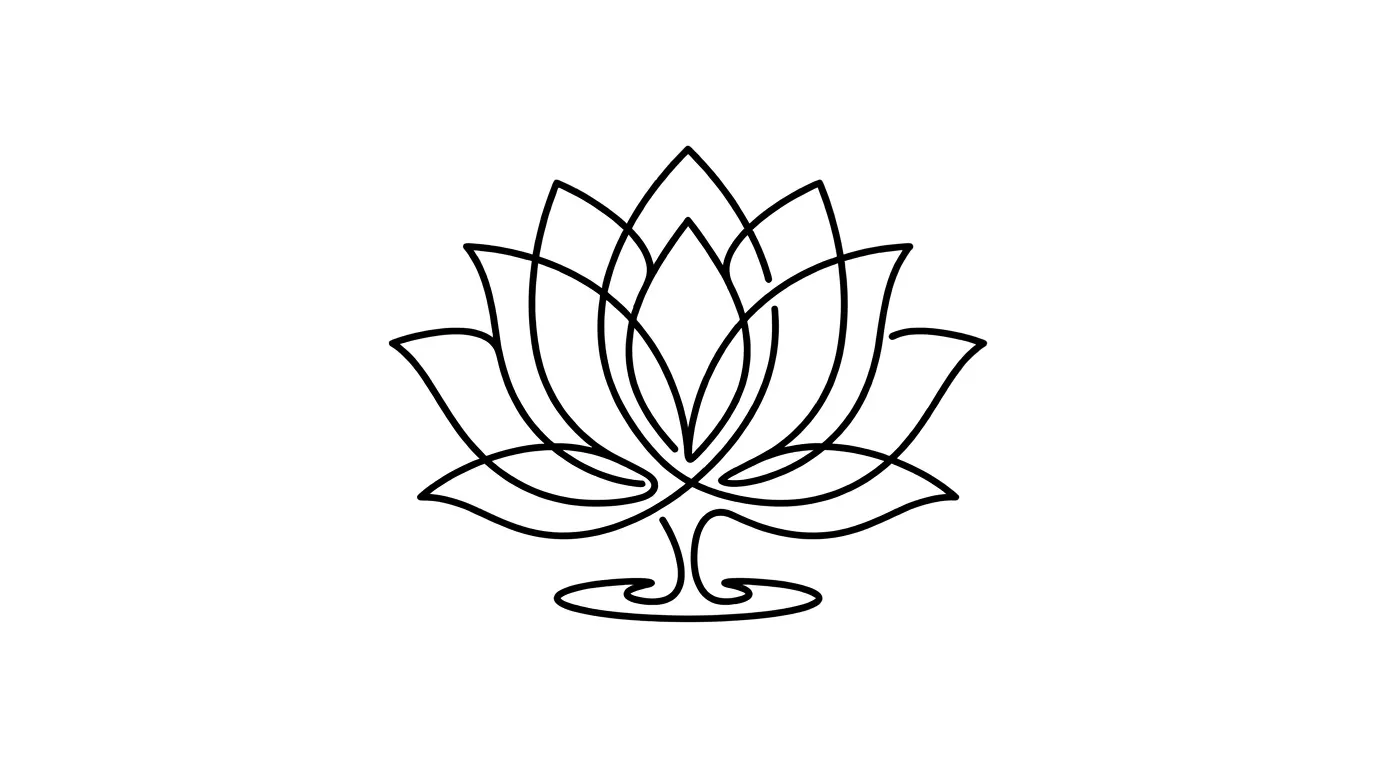
/imagine prompt: a minimalist line art logo of a lotus flower, continuous single line drawing, elegant, sophisticated, black ink on a pure white background, vector style, flat design, suitable for a premium skincare brand --no text, realistic details, shading --v 6.0
Why this works:
The phrase "continuous single line drawing" prevents the AI from adding messy internal details. Specifying "black ink on a pure white background" ensures you get a high-contrast image that is incredibly easy to vectorize later in Illustrator or Canva.
The Tech Startup Line Art Prompt:
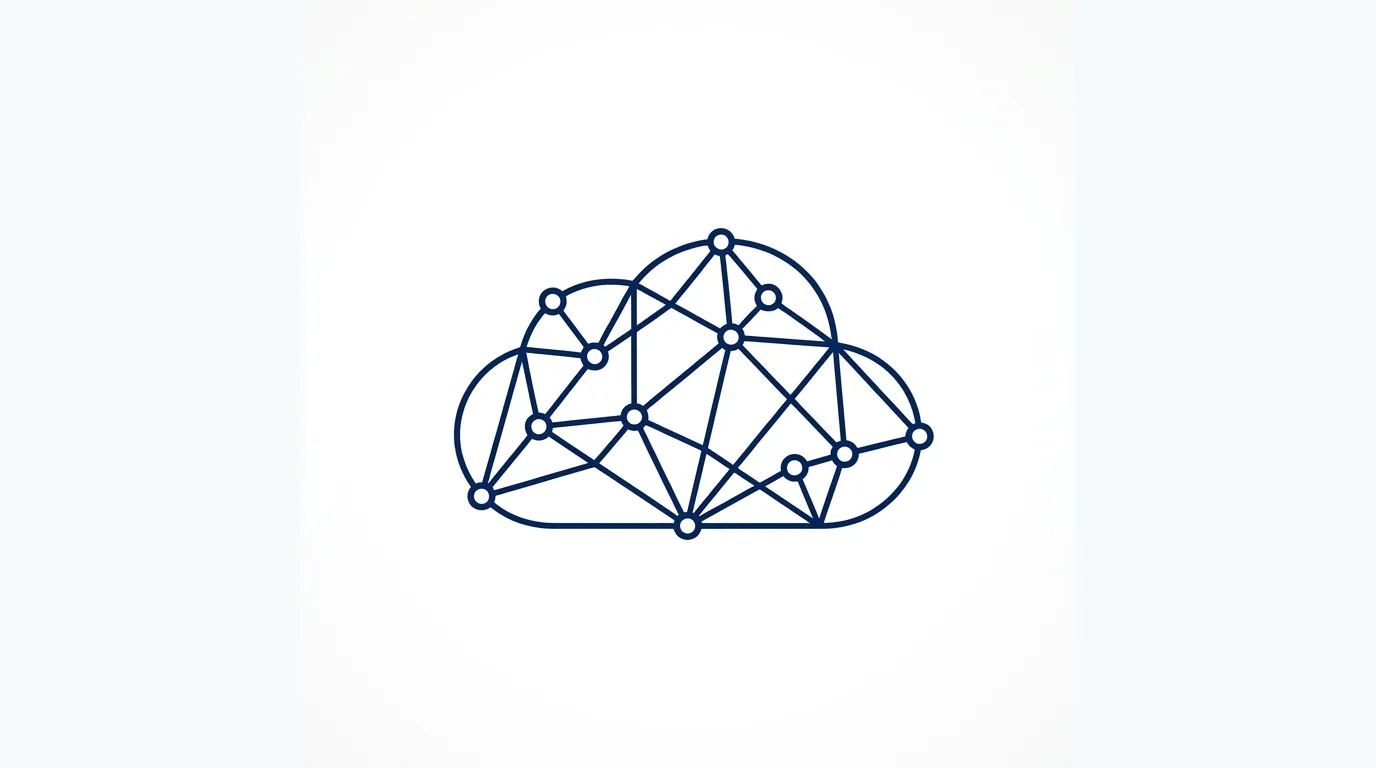
/imagine prompt: a modern minimalist line art logo of a cloud interconnected with geometric nodes, sleek, futuristic but simple, thin lines, tech startup identity, navy blue on white background, flat vector --no text, 3d, gradient --v 6.0
2. Flat Vector Mascot Prompts
If you are building an app, a gaming channel, or a playful brand, mascot logos are fantastic for building brand loyalty. The challenge is keeping them simple enough to be recognizable at small sizes.
The Playful App Mascot Prompt:
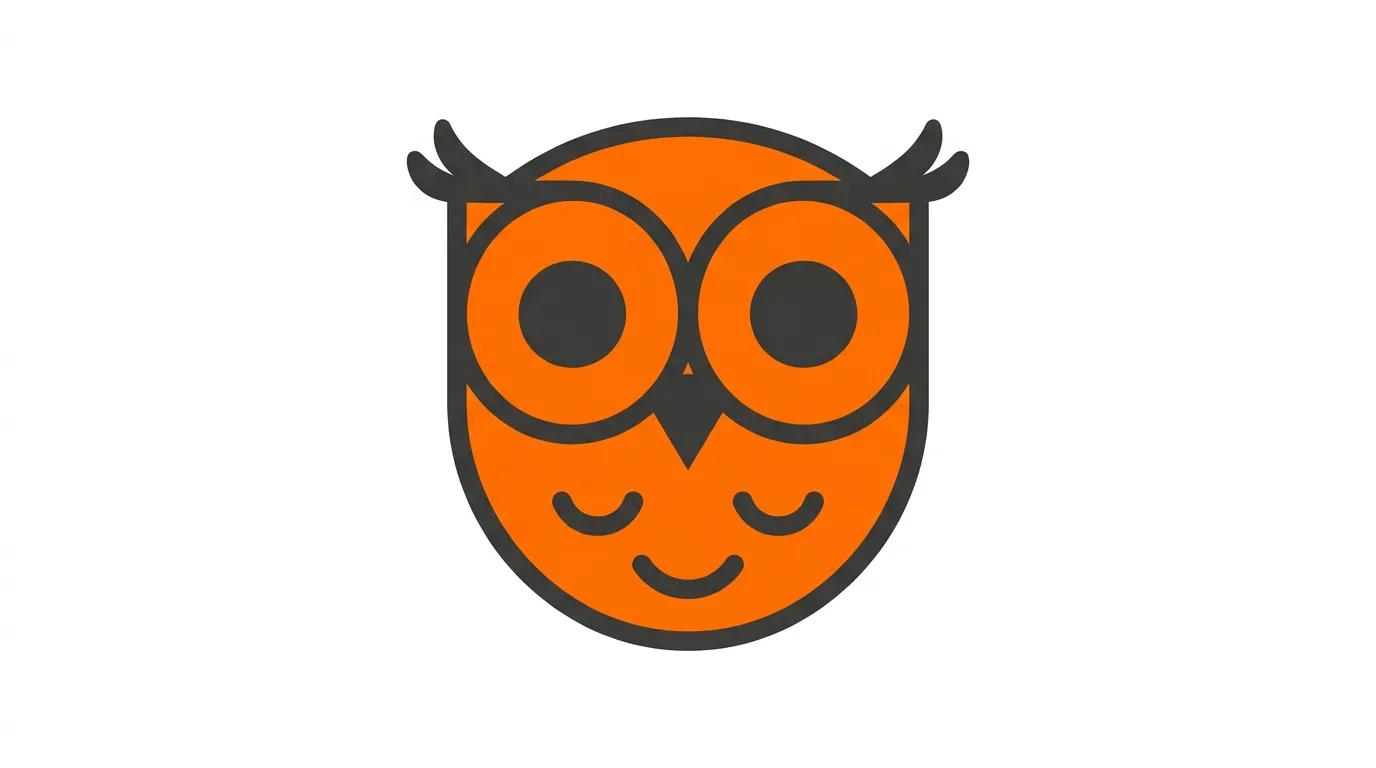
/imagine prompt: a cute minimalist logo of a smiling owl head, flat vector design, 2d style, simple geometric shapes, bold clean lines, duotone color palette of vibrant orange and dark grey, white background, modern app icon style --no text, shading, realistic feathers, 3d render --v 6.0
Why this works:
Using words like "simple geometric shapes" and "2d style" forces the AI to flatten the image. The "duotone color palette" instruction keeps the color scheme constrained, which is vital for professional branding.
3. Geometric & Abstract Logo Prompts
Sometimes you do not want a literal icon. Abstract, geometric marks are perfect for corporate entities, financial firms, or software companies because they look highly professional and established.
The Corporate Geometric Prompt:
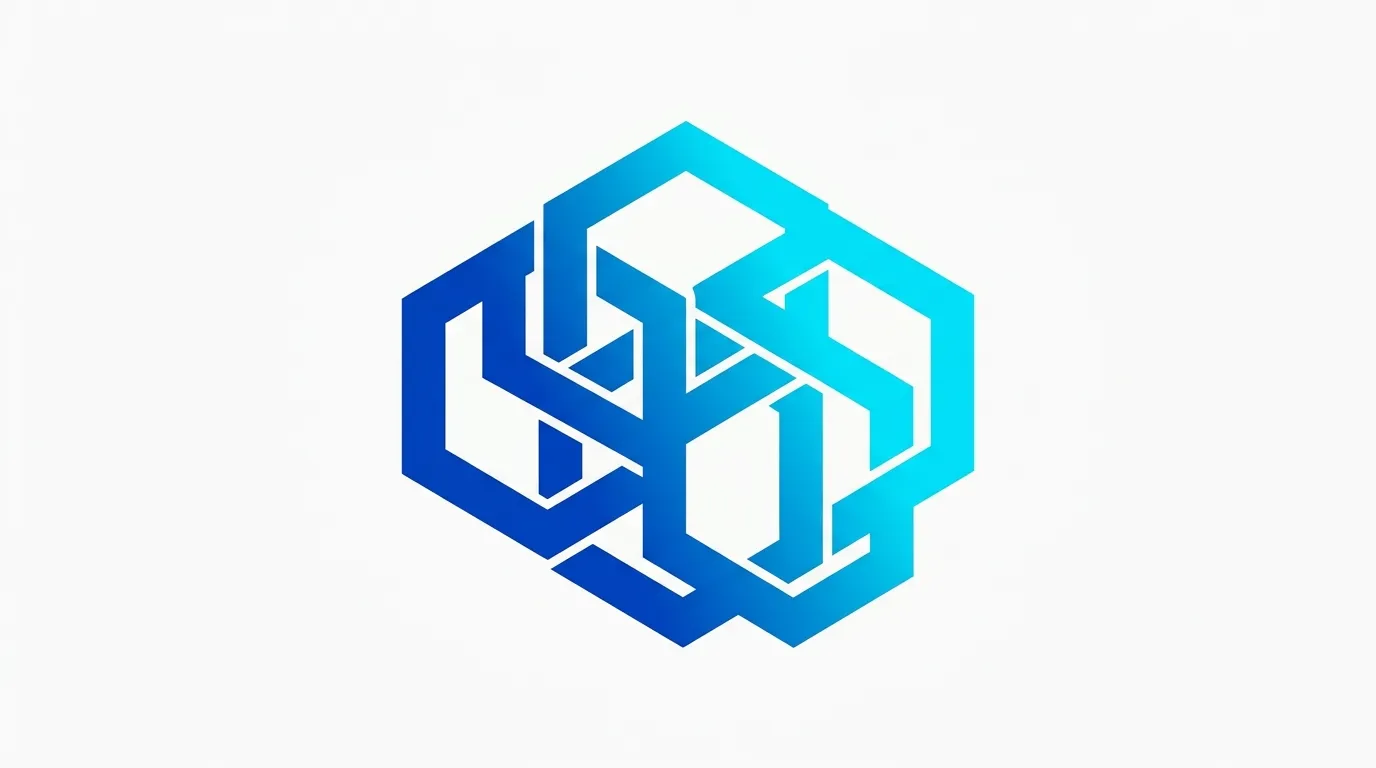
/imagine prompt: an abstract modern logo consisting of interlocking hexagon shapes, minimalist corporate identity, flat vector, clean sharp edges, gradient of royal blue to cyan, pure white background, professional and trustworthy --no text, realistic elements --v 6.0
Why this works:
Abstract shapes can easily become confusing. By specifying "interlocking hexagon shapes" and "clean sharp edges," you give the AI a strict boundary. The psychological keywords "professional and trustworthy" help guide the overall mood of the output.
4. Negative Space Logo Prompts
Negative space logos are the holy grail of clever design. Think of the hidden arrow in the FedEx logo. Midjourney is surprisingly good at creating these if you prompt it correctly.
The Clever Negative Space Prompt:
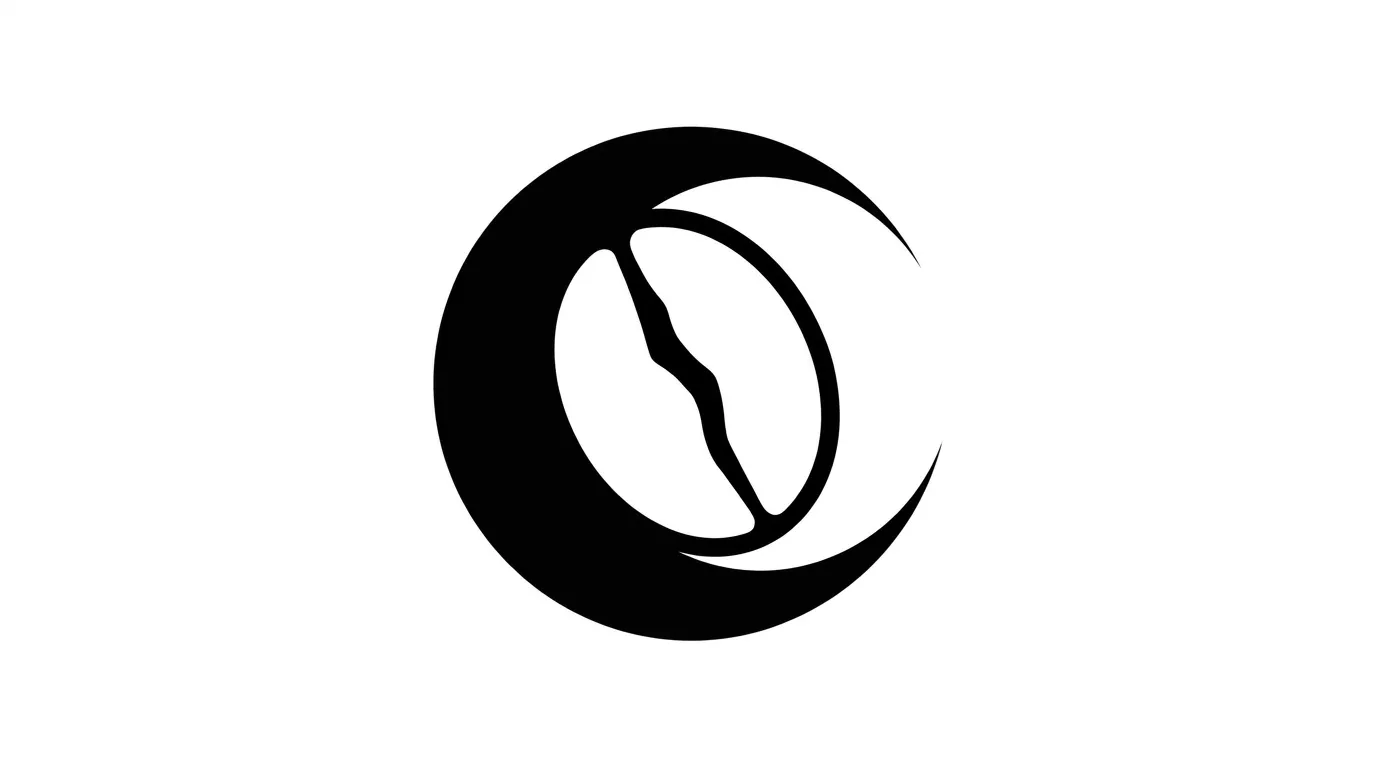
/imagine prompt: a minimalist negative space logo combining a coffee bean and a crescent moon, flat vector design, clever use of negative space, black and white only, pure white background, simple, iconic, high contrast --no text, gradients, 3d --v 6.0
Why this works:
You have to explicitly state the two elements you want combined (coffee bean and crescent moon) and use the exact phrase "clever use of negative space." Keeping it "black and white only" forces the AI to focus entirely on the silhouette rather than getting distracted by colors.
The Bridge Between Great Design and Great Content
Having a stunning, AI-generated logo is a fantastic first step for your brand. However, a beautiful logo will not drive traffic to your website by itself. You need a complete digital strategy.
Just like engineering the perfect Midjourney prompt requires structure and intent, writing successful online content follows similar rules. Whether you are crafting long-form content for your website or optimizing your blogging strategy for maximum SEO reach, the underlying principle is the same: you must provide clear, structured value.
For instance, if you are expanding your brand onto YouTube, a great logo needs to be paired with highly engaging videos. Staring at a blank page trying to write those videos can be exhausting. If you want to streamline that process, I highly recommend checking out this guide on how to use ChatGPT prompts to write YouTube video scripts fast. Combining striking visual branding with highly optimized content creation is the ultimate recipe for rapid digital growth.
How to Refine and Vectorize Your Midjourney Logo
Midjourney generates images in PNG or JPG format. While these look great on a screen, they are raster images. This means if you try to print them on a massive banner, they will become pixelated and blurry.
To use your logo professionally, you must convert it into a vector file (SVG or EPS). Vectors use mathematical equations instead of pixels, allowing them to scale infinitely without losing quality.
Here is the exact workflow you should follow after generating your favorite logo in Midjourney:
- Upscale the Image: Use Midjourney's built-in upscale buttons (U1, U2, U3, U4) to get the highest resolution version of your chosen design.
- Remove the Background: Even if you asked for a "pure white background," it is best to make the background truly transparent. You can use free tools like remove.bg or the background removal tool in Canva.
- Vectorize: Bring the image into Adobe Illustrator and use the "Image Trace" feature to turn it into a scalable vector. If you do not have Illustrator, free tools like Vectorizer.ai do an incredible job of converting AI-generated PNGs into clean SVGs.
- Add Your Typography: Midjourney is currently very bad at generating coherent text. Generate the icon in Midjourney, then add your company name later using a clean, modern font in Canva or Illustrator.
Common Midjourney Logo Mistakes to Avoid
Even with the best prompts, things can go wrong. Here are the most common pitfalls and how to avoid them.
1. Asking for Text: As mentioned, do not ask Midjourney to include your company name in the logo. It will almost always generate unreadable gibberish. Use the `--no text` parameter to ensure the AI focuses only on the visual mark.
2. Overcomplicating the Prompt: If you use 50 descriptive adjectives, the AI gets confused. Keep your prompts lean. Stick to the core subject, the style, and the background constraints.
3. Ignoring the Aspect Ratio: By default, Midjourney creates square images (1:1). This is actually perfect for logo design (like app icons or Instagram profile pictures). Do not use parameters like `--ar 16:9` when generating logos, as it will stretch or awkwardly place your design.
Conclusion
Midjourney is an incredibly powerful tool for visual branding, provided you know how to speak its language. By using constraints like "flat vector," "minimalist," and "pure white background," you can bypass the messy, overly-detailed artwork and generate clean, professional logos in minutes.
Do not be afraid to experiment. Take the formulas provided in this guide, swap out the core subjects and colors, and run them multiple times. The perfect logo for your next big project is just a few keystrokes away. Start prompting, vectorize your favorites, and launch your brand with confidence today.
Frequently Asked Questions (FAQs)
1. Can I legally use a logo generated by Midjourney?
Yes. Under Midjourney's current terms of service, if you are a paid subscriber, you own all the assets you create. You can use the logos for commercial purposes, sell them to clients, or use them for your own business. However, keep in mind that AI-generated artwork generally cannot be trademarked in the US, as it lacks human authorship.
2. Why does Midjourney keep adding text to my logos?
Midjourney tries to mimic existing logos, which often include text. To stop this, you must use negative prompting. Add `--no text, letters, typography` at the very end of your prompt. This tells the AI to strictly avoid adding any alphabetical characters.
3. How do I get a transparent background in Midjourney?
Midjourney cannot export images with transparent backgrounds directly. You must specify a solid background in your prompt (e.g., "pure white background") and then use a third-party tool like Canva, Photoshop, or remove.bg to knock out the background after you save the image.
4. What does the --v 6.0 parameter do?
This tells Midjourney to use Version 6 of its algorithm. Version 6 is vastly superior to older models when it comes to following complex instructions and keeping designs clean. Always ensure you are using the latest version for the best logo results.
5. Can I use Midjourney to redesign an existing logo?
Yes. You can use Midjourney's "image prompt" feature. Upload an image of your current logo, copy the image URL, and paste it at the beginning of your prompt, followed by instructions like "redesign this logo in a modern minimalist flat vector style."
6. Is Canva better than Midjourney for logo design?
They serve different purposes. Midjourney is unmatched for generating completely unique, custom icons and abstract marks from scratch. Canva is better for assembling the final logo—combining your Midjourney icon with professional typography and formatting it for export. Using both together is the optimal workflow.